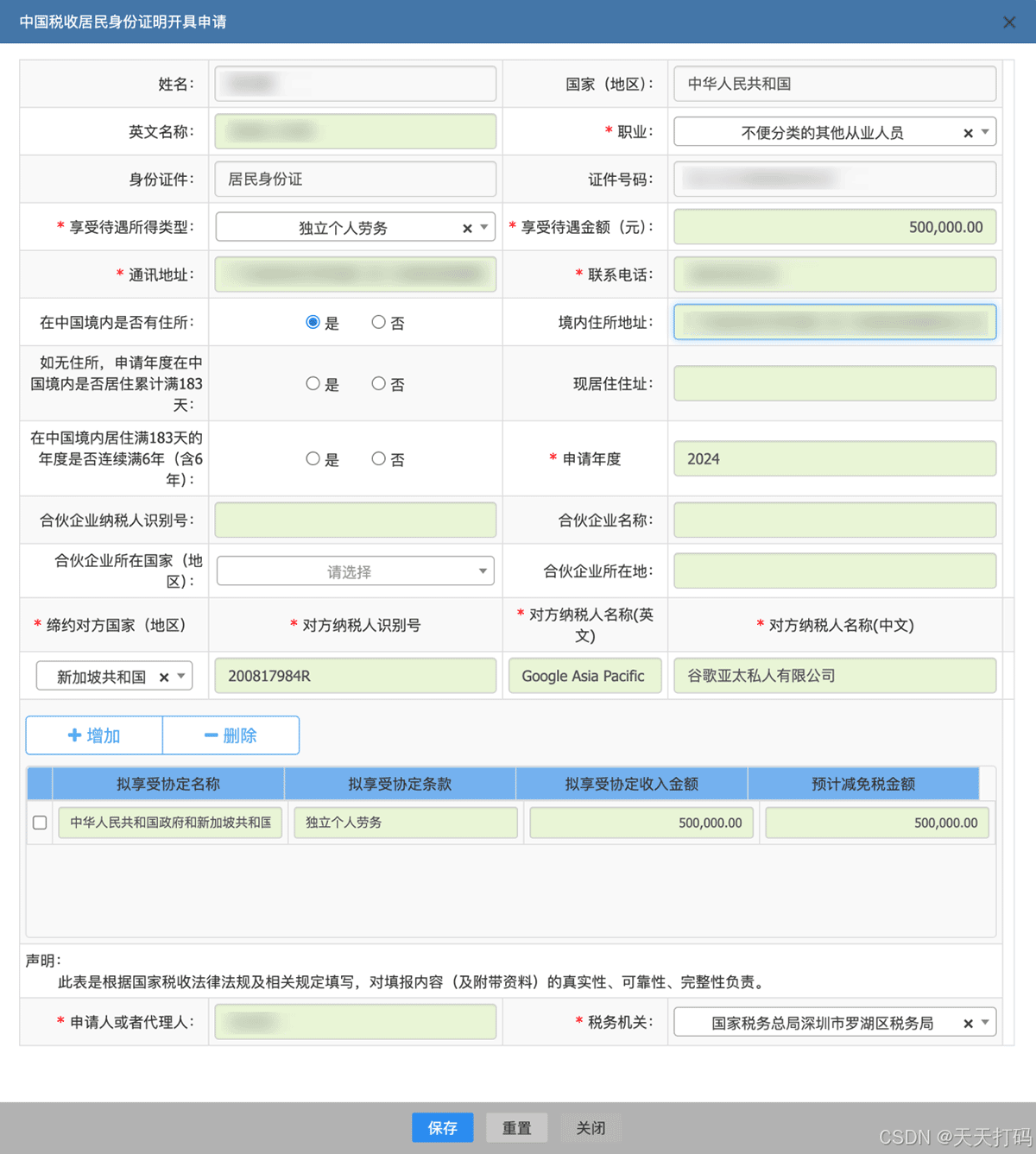
原来无法导出的数据,现在可以导出了
一、代码
(() => {
  // 收集主文档 + 同源 iframe + Shadow DOM 里所有可访问的根
  const roots = [document];
  for (const f of document.querySelectorAll('iframe')) {
    try { if (f.contentDocument && f.contentDocument.body) roots.push(f.contentDocument); } catch (e) {}
  }
  const pierce = (root) => {
    for (const el of root.querySelectorAll('*')) {
      if (el.shadowRoot) { roots.push(el.shadowRoot); pierce(el.shadowRoot); }
    }
  };
  for (const r of [...roots]) pierce(r);

  const cellSel = 'th,td,[role="columnheader"],[role="cell"],[role="gridcell"]';
  let best = [];
  for (const root of roots) {
    for (const sel of ['tr', '[role="row"]']) {
      const good = [...root.querySelectorAll(sel)]
        .filter(r => r.querySelectorAll(cellSel).length >= 3); // 只要真数据行
      if (good.length > best.length) best = good;
    }
  }
  if (best.length < 2) return console.warn('仍然只有表头:表格在跨域 iframe 里,看办法 2');
  const tsv = best.map(tr =>
    [...tr.querySelectorAll(cellSel)].map(c => (c.innerText || '').replace(/\s+/g, ' ').trim()).join('\t')
  ).join('\n');
  try { copy(tsv); console.log('已复制 ' + best.length + ' 行,直接去 Excel 粘贴'); }
  catch (e) { console.log(tsv); }
})();
二、使用方法
在页面上按 F12 → 切到 Console(控制台),粘下面这段回车: